Your name on every page your users see.
When a recipient clicks a link, the page that stops or warns them can look like it came from you, not from a security product. A few settings give you your name, logo and accent colour. A template file gives you full control of the layout and the wording.
The brands below are fictional, with invented names and logos made for this page. Nothing here is a live service. They show the range, from the plain built-in pages to a fully custom design.
01Examples
The built-in pages, no branding
This is what every Scorpion install shows out of the box, with no settings and no template files.
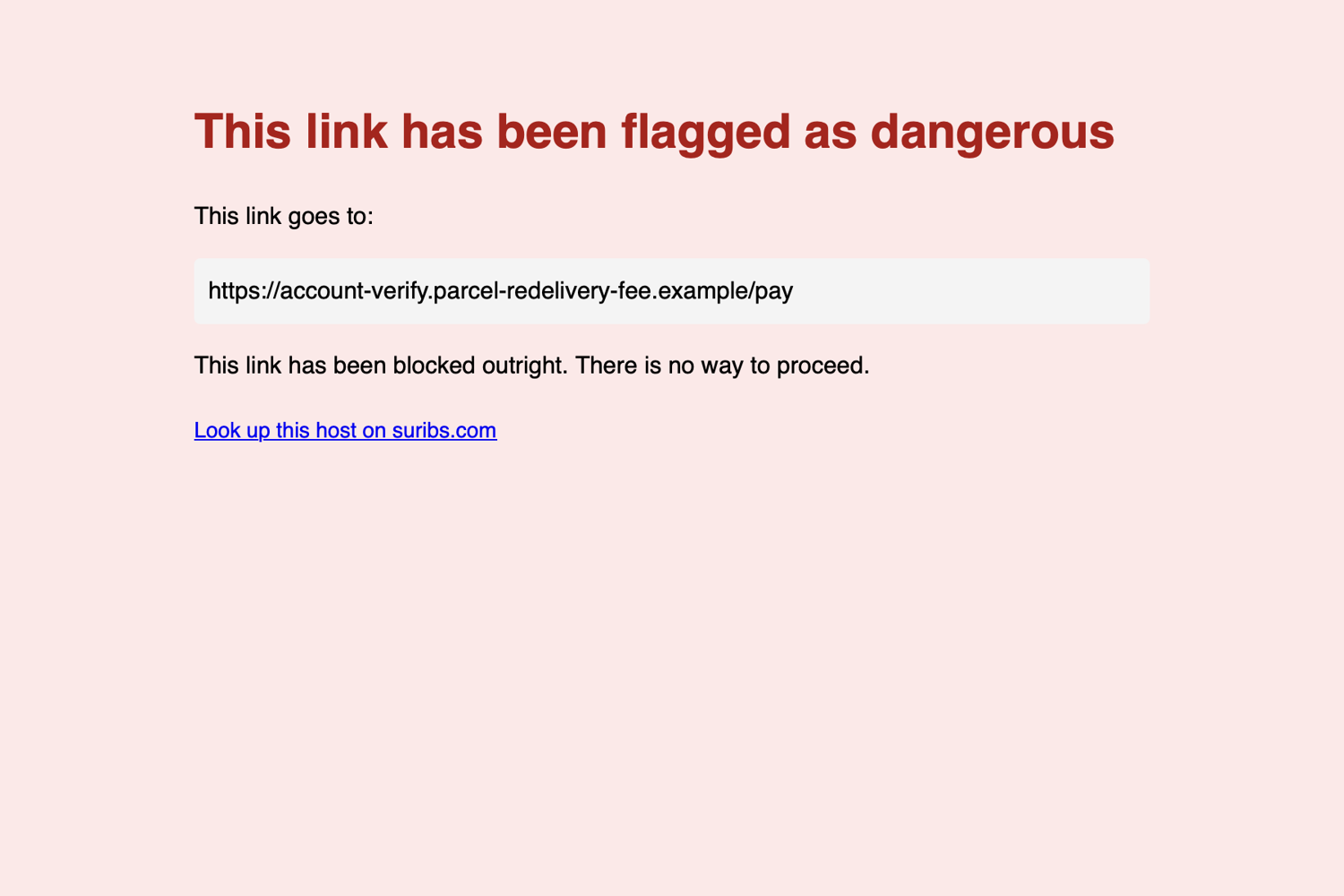
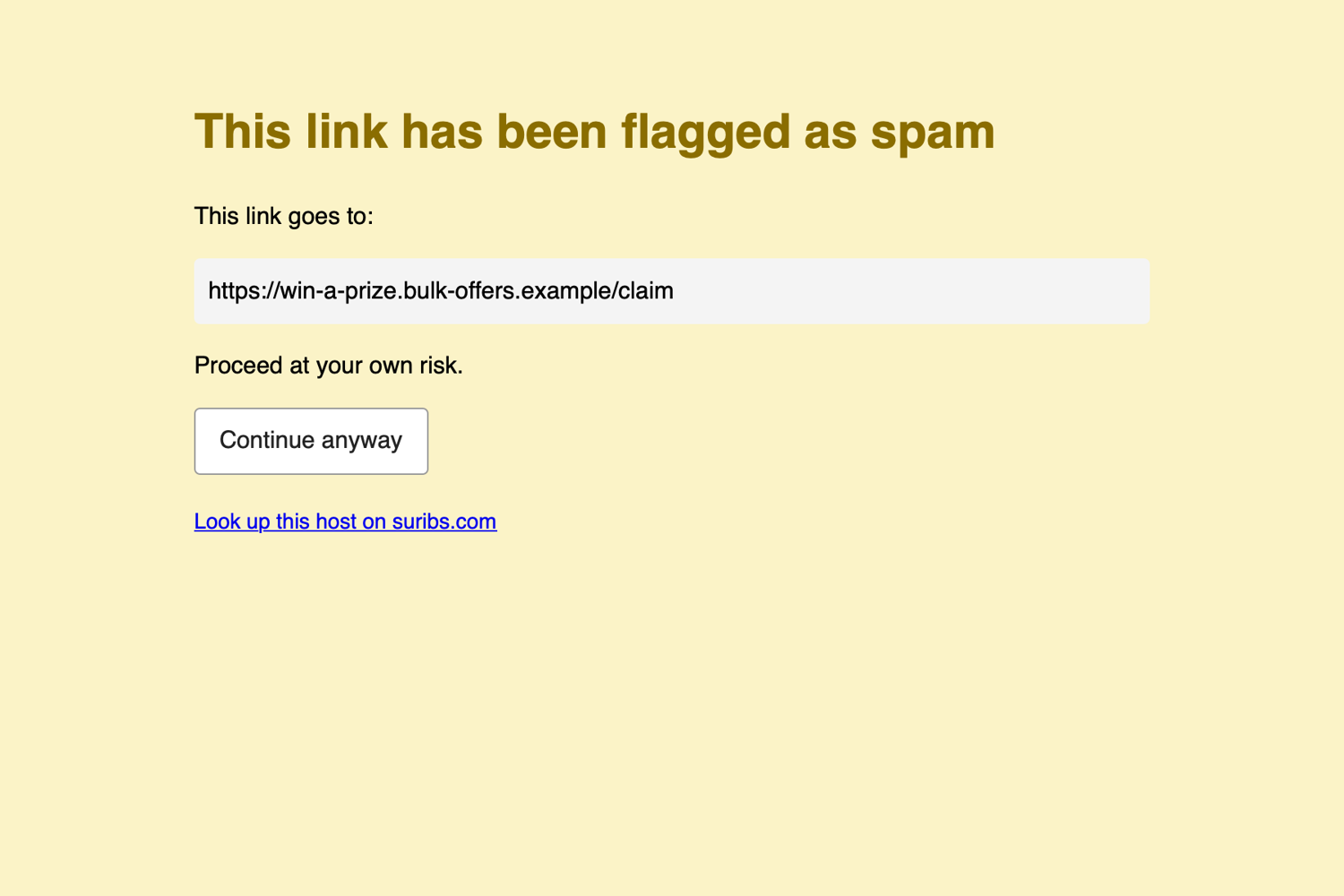
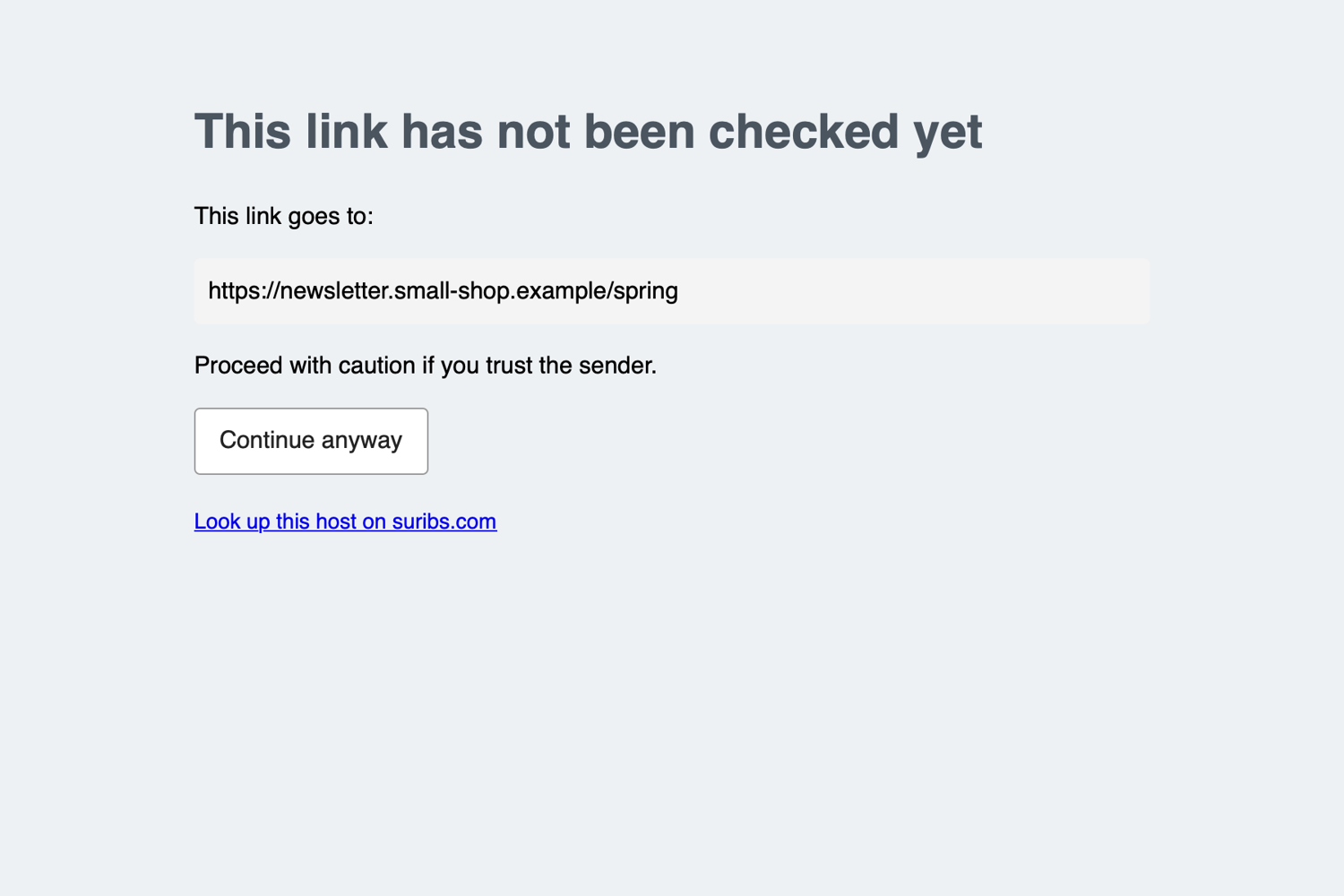
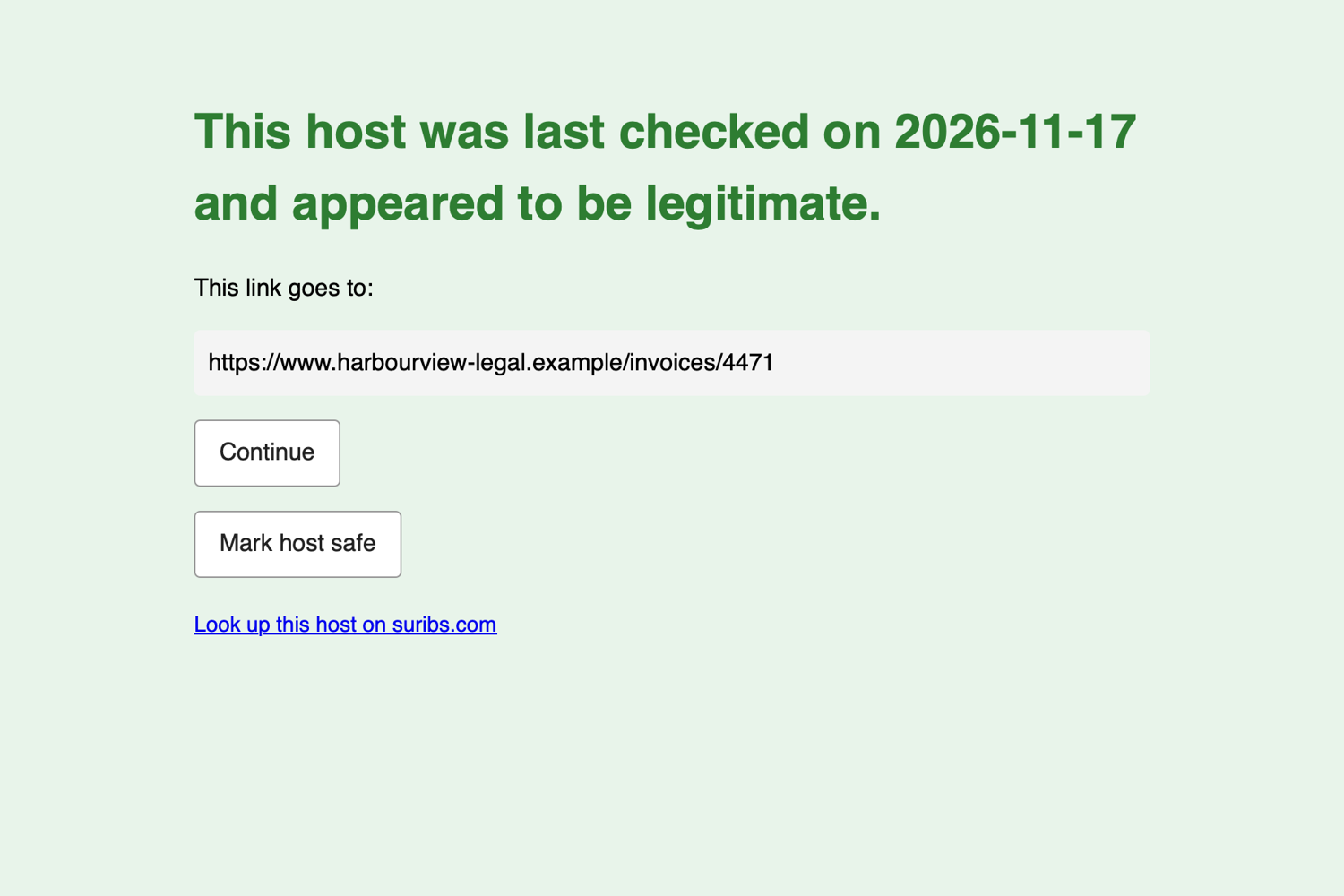
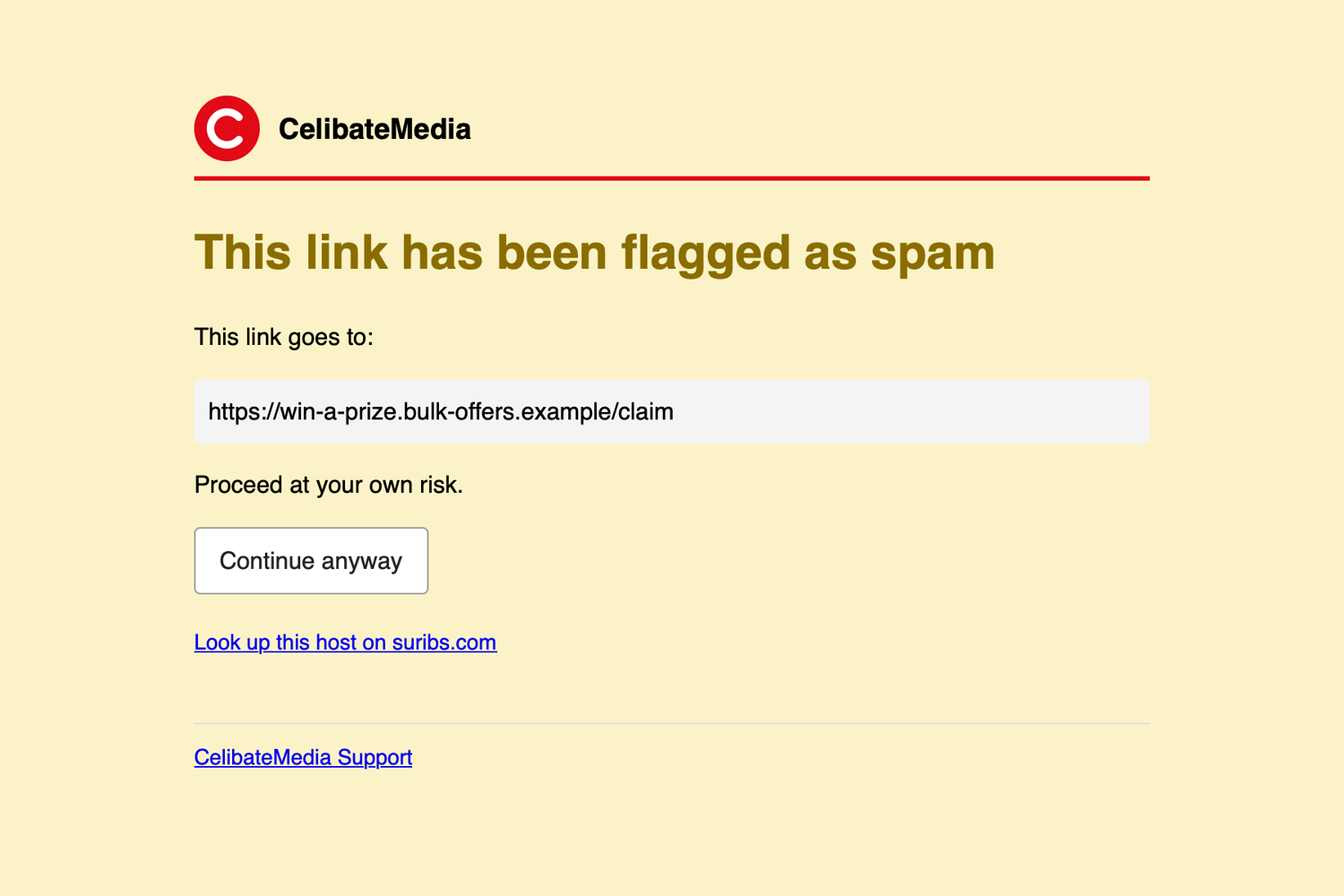
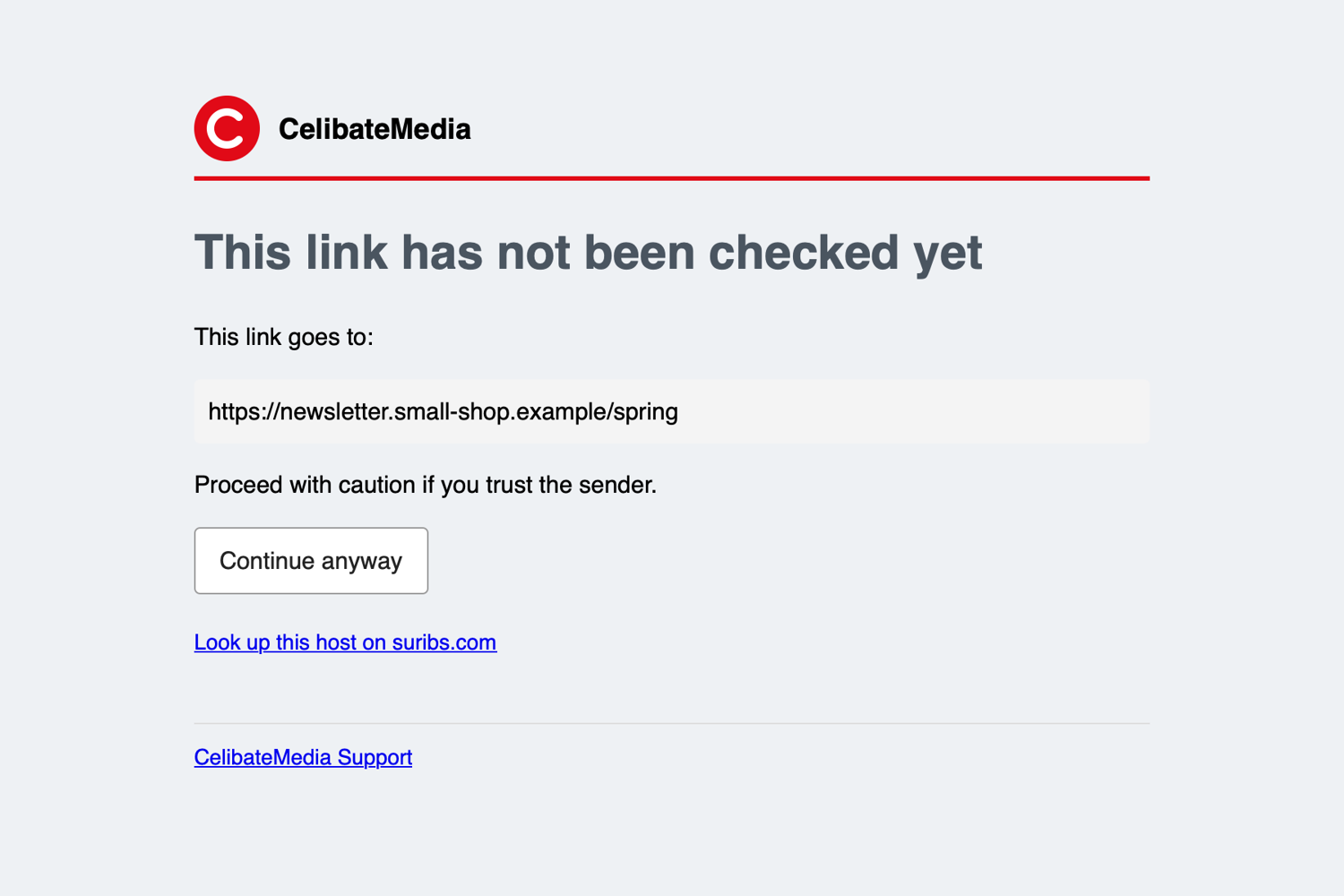
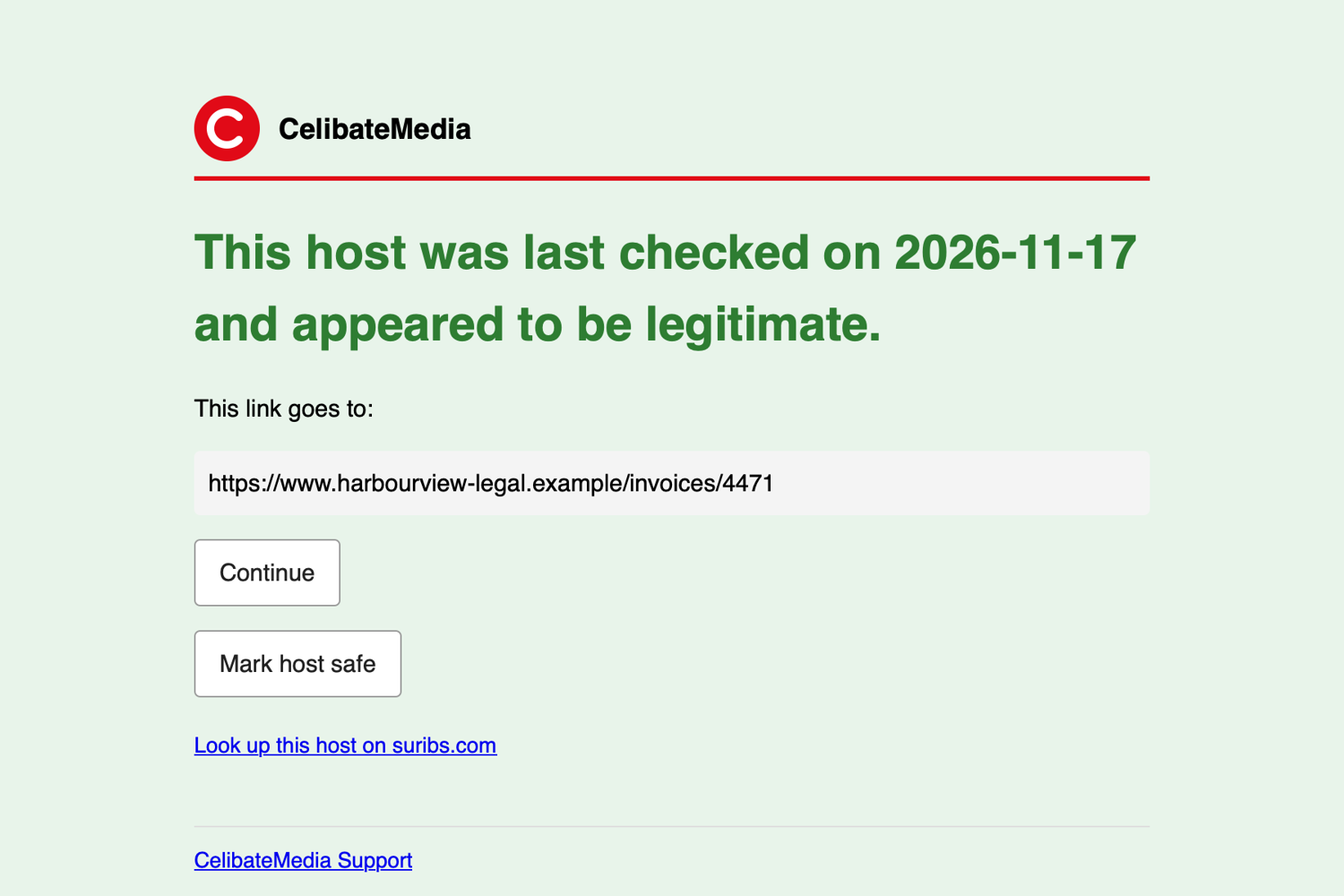
CelibateMedia: built-in pages with simple branding
A fictional broadband and media brand. These are the same built-in pages as above, with nothing replaced. The only change is four brand_* settings: a name, a logo, an accent colour and a support link. They add a branded header over a rule in the brand colour, and a support line at the foot.
<vhost links.celibatemedia.example>
    brand_name        = CelibateMedia
    brand_logo_url    = https://static.celibatemedia.example/logo.png
    brand_color       = e10a17
    brand_support     = CelibateMedia Support
    brand_support_url = mailto:support@celibatemedia.example
</vhost>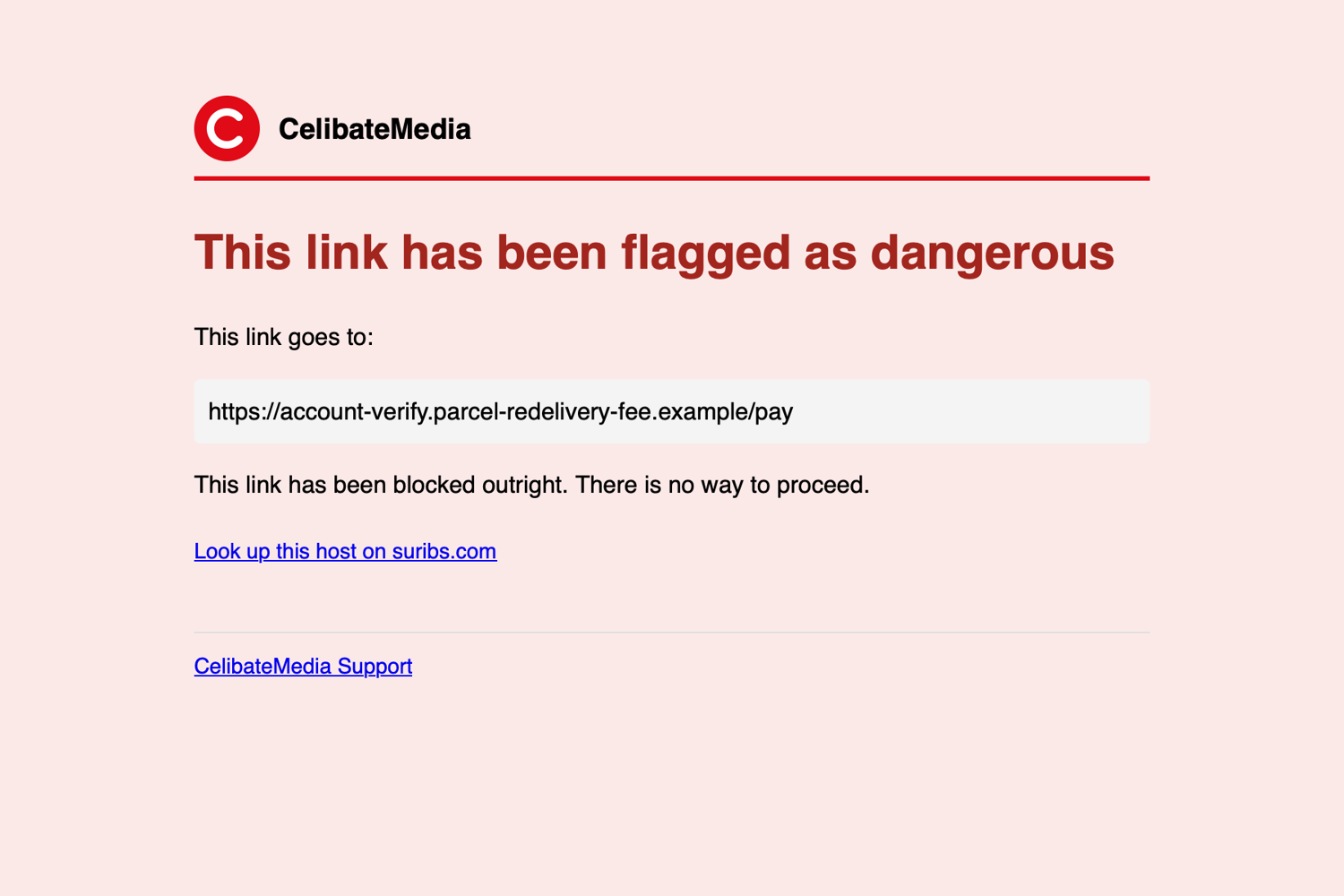
02Each brand on its own certificate
Every brand gets its own link host, and the browser asks for that host by name. Scorpion picks the certificate by that name (TLS SNI), so links.tolstra.example and links.celibatemedia.example each answer with their own certificate, their own brand and their own templates, all from one Scorpion process on one address. The padlock shows the customer's name, not yours.
<vhost links.tolstra.example>
    tls_cert              = /etc/ssl/tolstra/fullchain.pem
    tls_key               = /etc/ssl/tolstra/privkey.pem
    brand_name            = Tolstra
    brand_color           = 0064d2
    safelink_template_dir = /var/db/mail-proxy/templates-tolstra
</vhost>

<vhost links.celibatemedia.example>
    tls_cert              = /etc/ssl/celibatemedia/fullchain.pem
    tls_key               = /etc/ssl/celibatemedia/privkey.pem
    brand_name            = CelibateMedia
    brand_color           = e10a17
</vhost>
The same names route the mail itself, so a customer's IMAP, POP3 and JMAP clients, their rewritten links and their warning pages all stay under their own domain.
03How little it takes
1. Brand the vhost
Five settings per virtual host. Each is optional.
<vhost links.customer-a.example>
    brand_name        = Customer A
    brand_logo_url    = https://static.customer-a.example/logo.png
    brand_color       = 0a66c2
    brand_support     = Customer A service desk
    brand_support_url = mailto:servicedesk@customer-a.example
</vhost>
The built-in pages pick these up with no further work: a header with your logo and name over a rule in your colour, and a support line at the foot.
2. Or replace a page with your own
Point the vhost at a directory and drop in only the pages you want to change, such as dangerous.en.html. Files are read fresh on every click, so an edit needs no restart. Tokens are filled in at the click.
<vhost links.customer-a.example>
    safelink_template_dir = /var/db/mail-proxy/templates-customer-a
</vhost>

<!-- dangerous.en.html -->
<body style="background:{{BG}}">
  {{BRAND_HEADER}}
  <h1 style="color:{{COLOR}}">{{HEADLINE}}</h1>
  <p>This link goes to:</p>
  <p>{{URL}}</p>
  <p>{{MESSAGE}}</p>
  {{CONTINUE_FORM}}
  {{BRAND_FOOTER}}
</body>Each customer their own look
A provider hosting many organisations gives each its own link host, brand and templates. Links are written under the right name automatically.
One file per language
Name files page.en.html, page.fr.html and so on. The visitor's first-listed language is used, with English as the fallback.
The rules stay in force
A template cannot add a way through to a dangerous link. If a template is missing or broken, the built-in page is shown instead of a broken one.
Page types you can restyle: dangerous, malicious, spam, unknown, checked, the “checking this link” page, and the “link not opened” pages.
Going further: fully custom pages
The tokens do not limit the design. A large organisation can hand its own web team the four verdict pages and get back pages that look like the rest of its site: utility bar, main navigation, breadcrumbs, advice written in its own voice, a help sidebar and the full footer. Below are four such pages for Tolstra, a fictional telco. The only things Scorpion fills in are the tokens: the destination {{URL}}, the wording and the buttons.
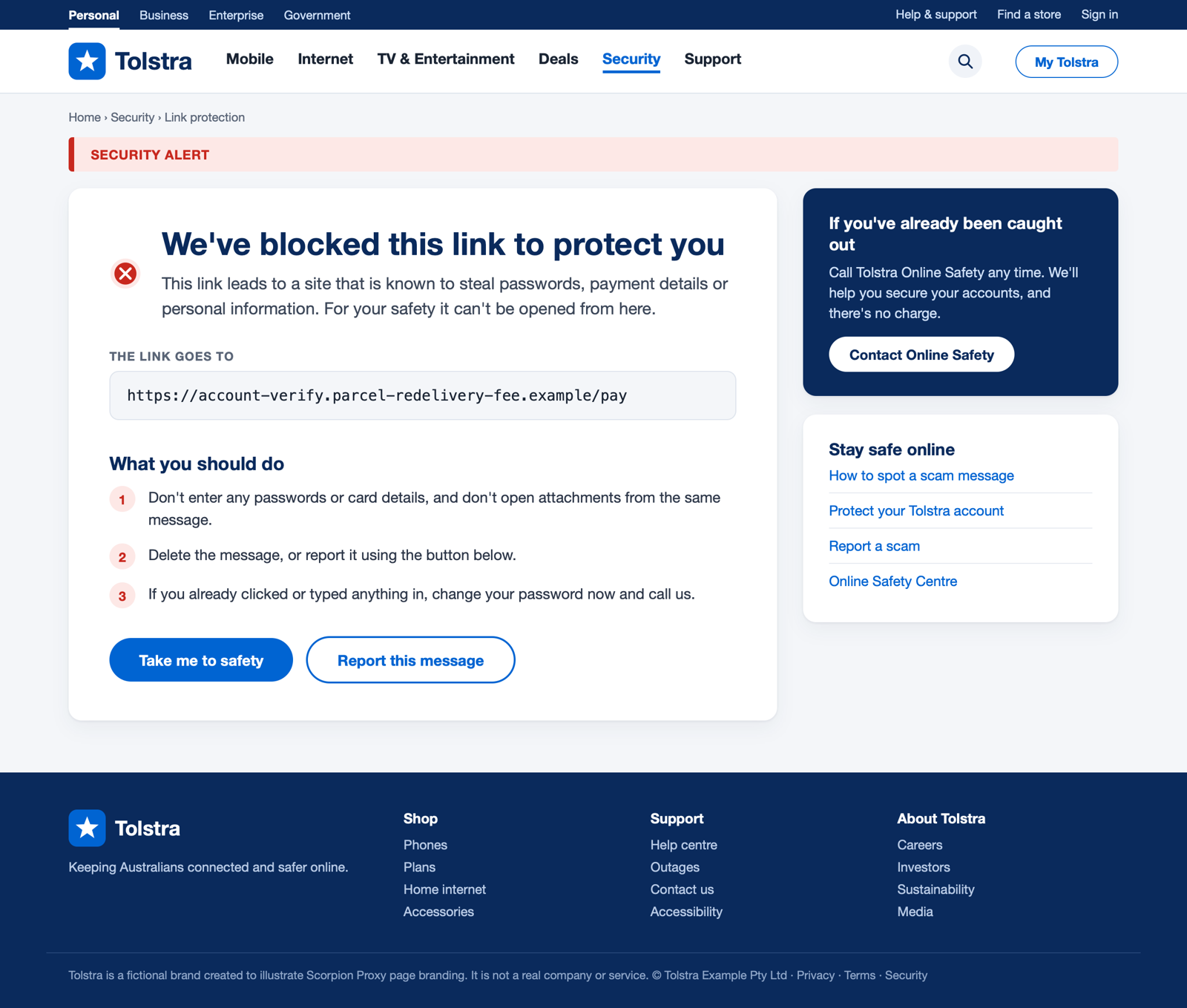
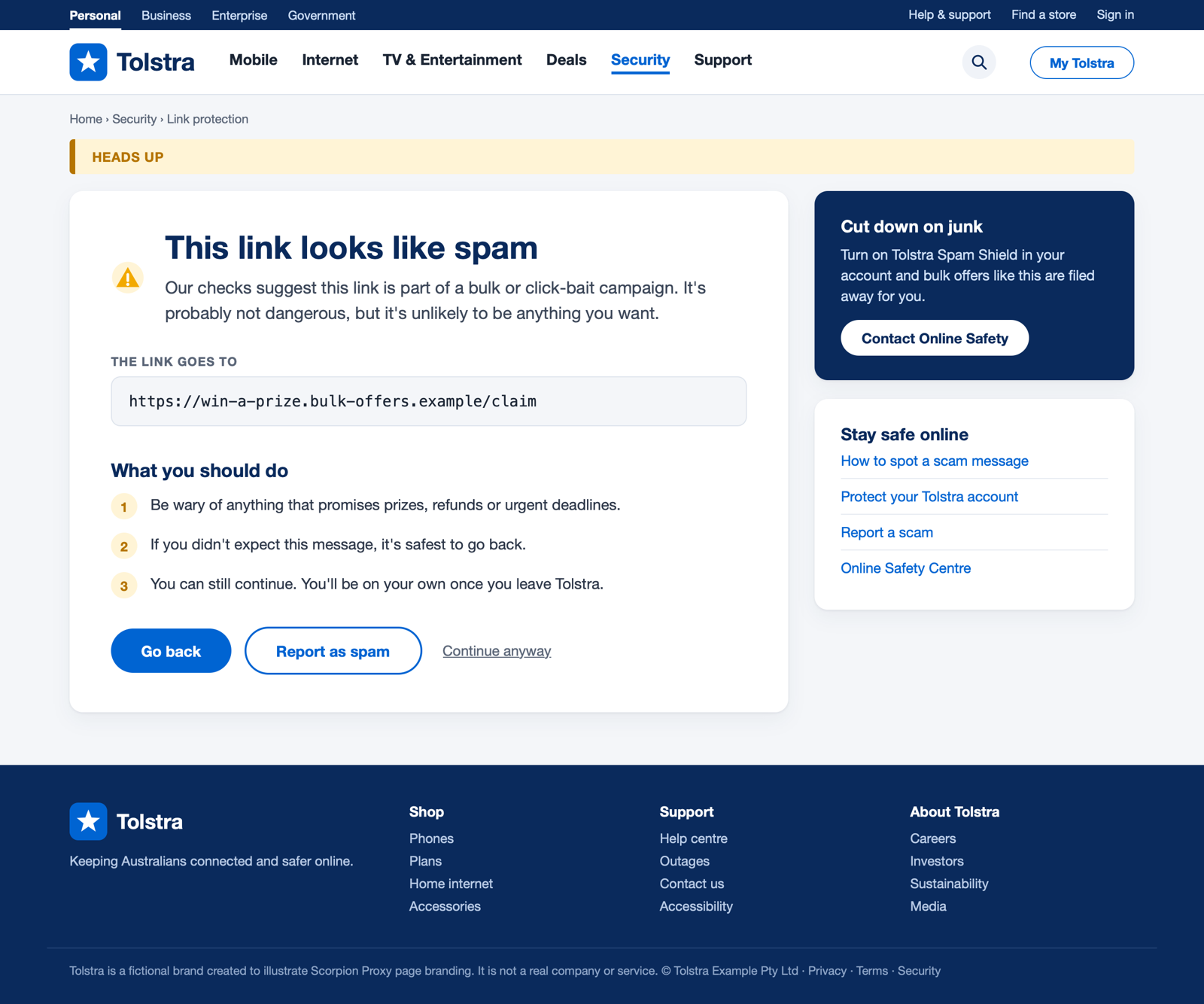
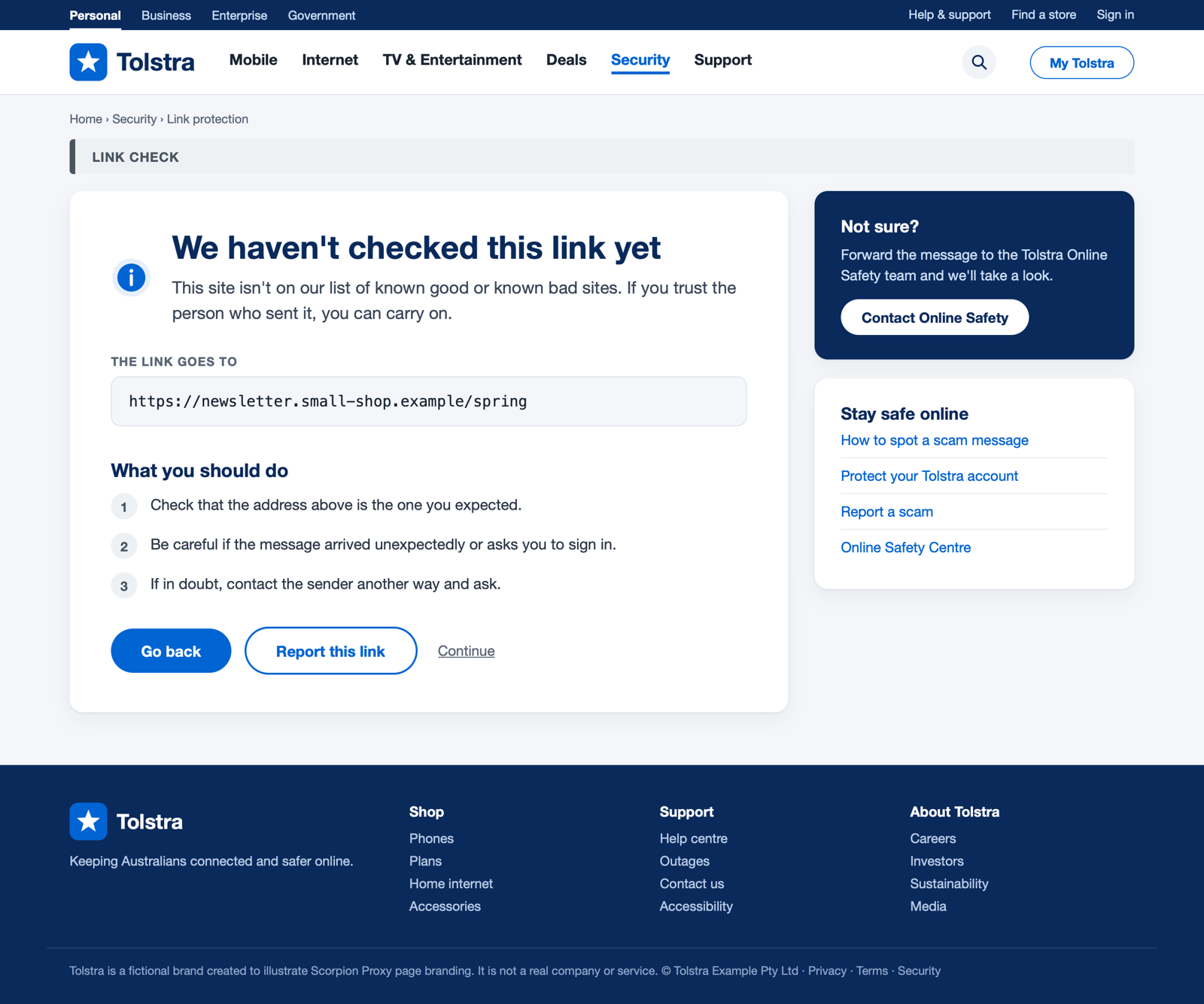
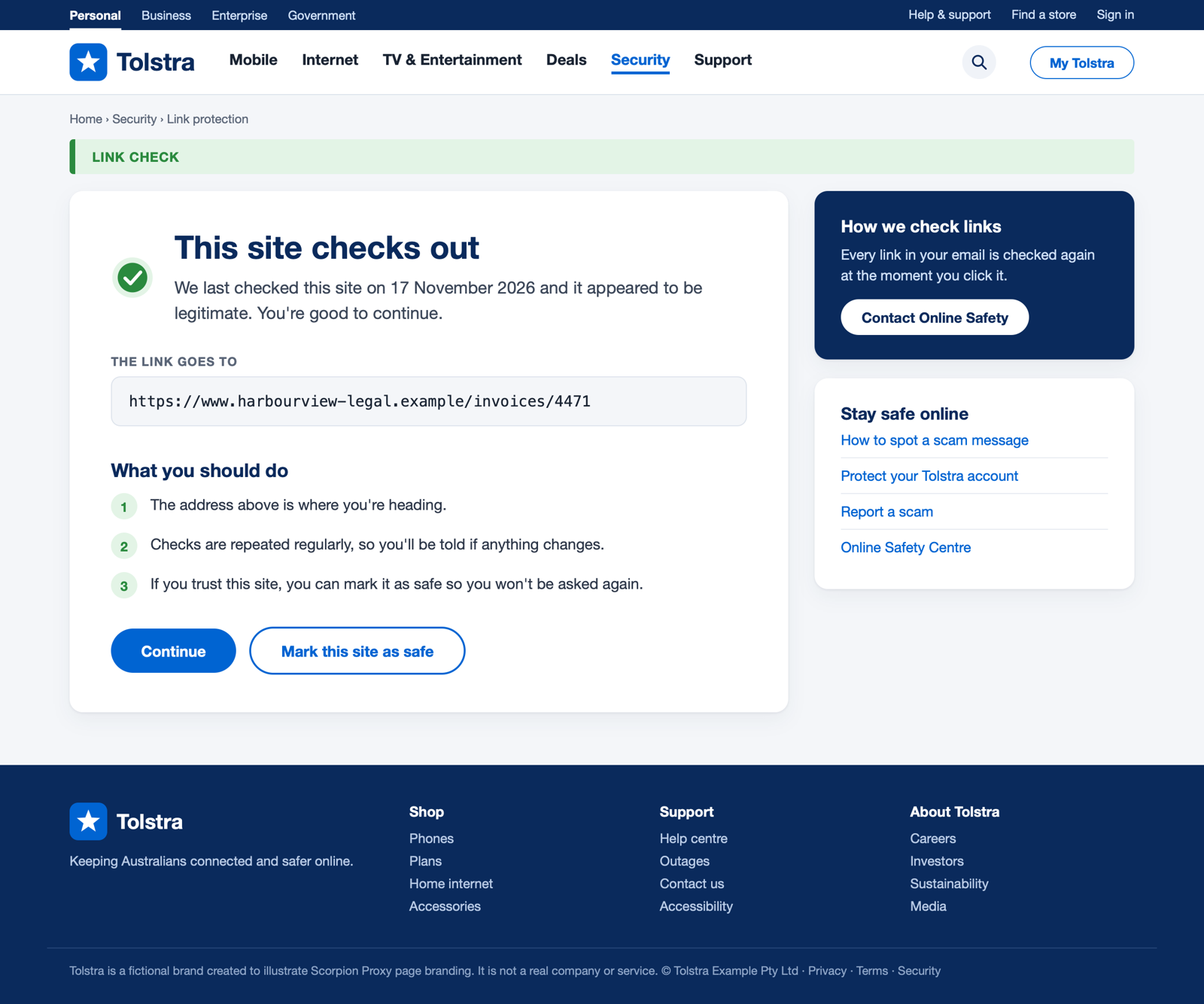
The security rules still apply to a custom page: a dangerous link renders no continue control at all, whatever the template contains.
See it in your own colours.
Send us your logo and accent colour and we will show you your blocked and checked pages.